The Brief
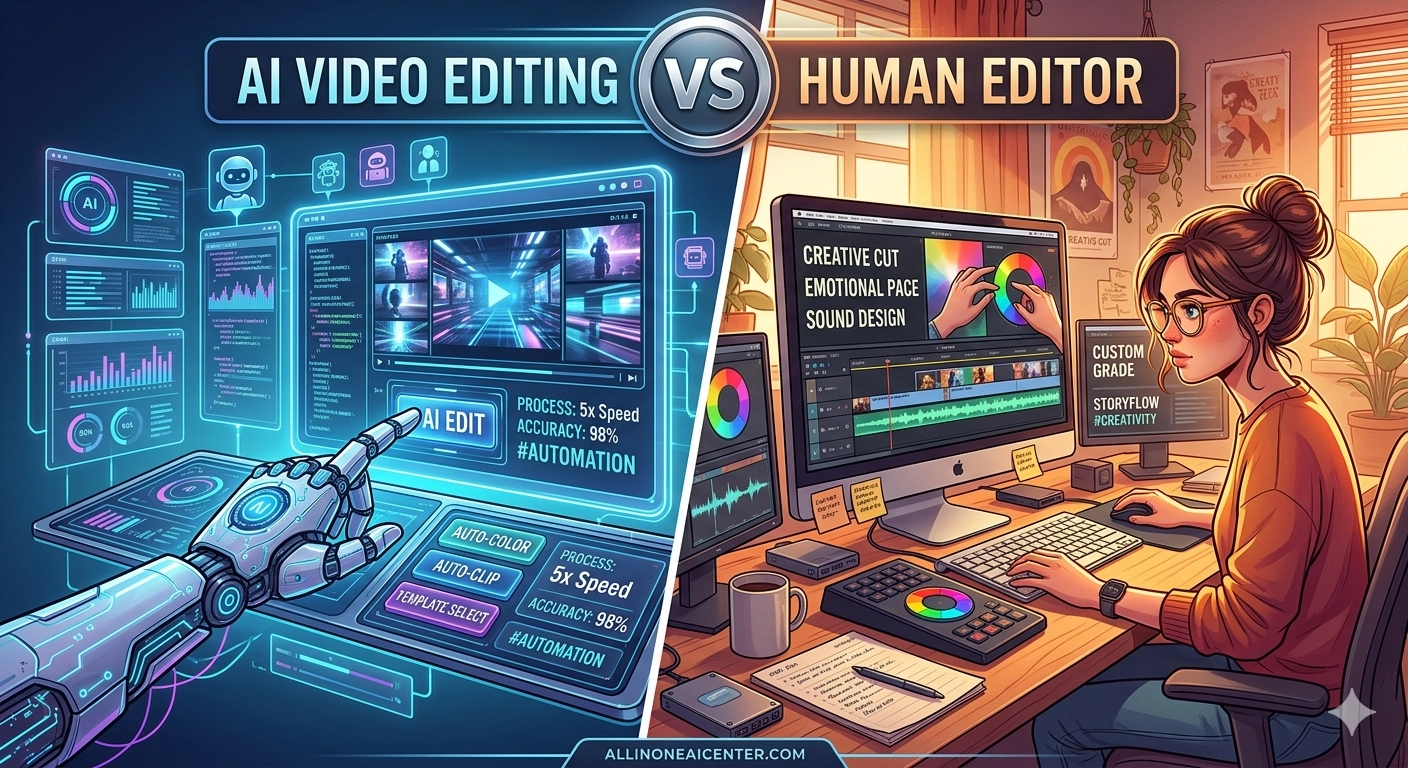
🤖 The AI Edit
Descript handled the heavy lifting on the AI side. Transcription was near-perfect (2 errors in 10 minutes — impressive). The filler removal worked well: every "um", "uh", and "you know" was flagged and removed cleanly with a single click. The chair squeak at minute 4 survived — AI can't hear significance, only transcription gaps.
The smart cut produced a 5:42 video. The cuts were technically clean — no jump cuts mid-sentence, no words cut in half. But the pacing felt mechanical. Every pause longer than 0.8 seconds was removed, including the deliberate beat the speaker held before saying something meaningful. The AI optimised for density, not rhythm. It didn't know which silences were dead air and which were emphasis.
CapCut's AI highlight mode produced a 3:58 version — shorter, more aggressive cuts, better for social media short-form but losing significant context. Its auto-captions were 94% accurate and styled reasonably well by default.
Time taken: 22 minutes total (transcription 8 min, review + export 14 min)
Output length: 5:42 (Descript) / 3:58 (CapCut)
Filler removal: 47 fillers caught and removed correctly. 3 missed.
Colour grade: CapCut auto-colour corrected the warm yellow cast. Descript: none.
Captions: Auto-generated, 94% accuracy, decent default styling.
Time taken: 2h 10min
Output length: 4:55 — she made an intentional structure decision to split into 3 micro-chapters
Filler removal: Removed strategically — kept 4 fillers that felt natural in context, removed 43 that were dead weight.
Colour grade: Full LUT + manual white balance. Cleaned the yellow cast, matched skin tone. Looked like a different camera.
Captions: Imported Descript transcript (smart move), manually styled in Resolve. Burnt-in, clean, readable.
There's a moment at 6:18 in the raw footage where the speaker pauses for 2.1 seconds before saying "And that's when everything changed." Descript removed 1.8 seconds of that pause. Priya kept the full 2.1 seconds — and added a subtle zoom push during it. That moment, in Priya's edit, lands like a punch. In the AI edit, the speaker just says the line. Same words. Completely different emotional weight. AI cannot know which silence is dead air and which is drama.
📊 The Scorecard
🏆 Verdict
AI wins on speed by a factor of 6x and ties on captions. But pacing is where editing truly lives, and AI has no concept of emotional rhythm. It optimises for density — removing silence uniformly — rather than understanding that some silences are the point. Priya's edit was a qualitatively different product: it had shape, tension, and release. The AI's edit was technically correct and completely flat.
For social short-form content (Reels, TikTok, YouTube Shorts) where density and speed are everything, AI is genuinely competitive. For long-form interview or documentary work where pacing carries the story, a human editor is essential. The hybrid approach — using Descript to transcribe and clean fillers, then handing to a human editor — is the obvious winner and what most professional teams actually do.
🔀 The Hybrid Workflow
AI for prep, human for craft
Hybrid total time: ~1h 20min vs 2h 10min (human-only) or 22min (AI-only). Quality: 95% of human-only. This is the workflow to use for any interview or talking-head content.
- Short-form social cuts (Reels, Shorts, TikTok)
- High-volume content with tight turnaround (daily vlogs, podcasts)
- Filler removal and transcription on any footage
- Auto-captions for accessibility
- First-pass rough cut to check footage usability
- Long-form interview or documentary content
- Emotional narrative arc matters to the video
- Colour grade quality directly affects brand perception
- Client deliverable where "watchable" means "compelling"
- Music + sound design are part of the edit